KEY TAKEAWAYS
• Smart homes increases property value by up to 5%, adding $17,000+ on a $350,000 home.
• DIY smart homes cost $500–$4,000, while professional automation starts at $15,000+.
• The #1 failure point is weak Wi-Fi — invest $300–$700 in networking first.
Introduction
Whether you’re building a new smart home or upgrading your existing smart home setup, this all new home automation guide for 2026 will help you with from DIY vs professional systems, pricing, best platforms, and expert buying advice for your smart home.
You walk into your home after a busy working day and having everything respond to your presence – lights adjusting, temperature perfect, your favorite music playing softly in the background.
Does it sounds futuristic and a lot of work to you? Well this post will give you all the info you need regarding what Home automation delivers in 2026.
Why Does Home Automation matter in 2026?
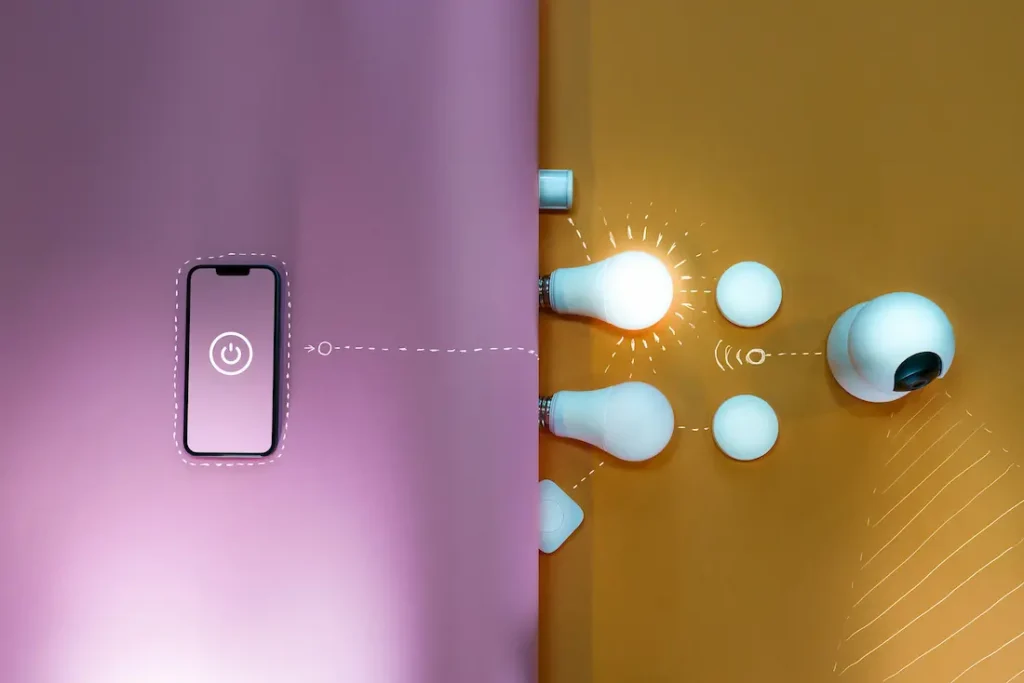
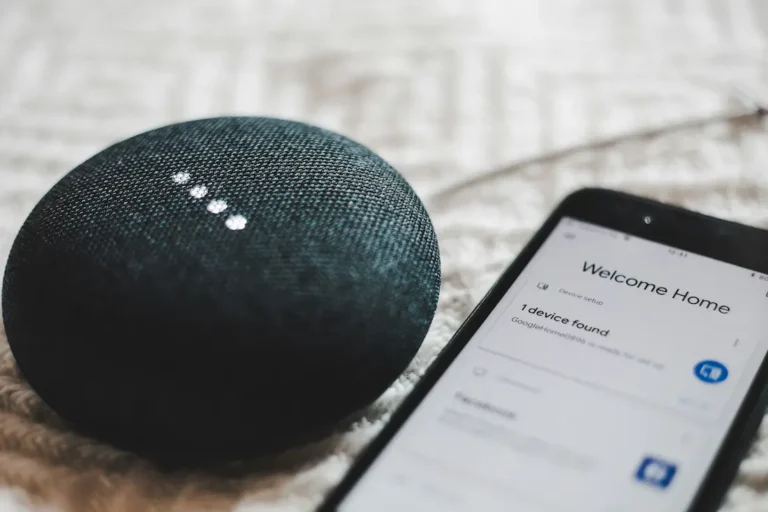
Home automation refers to the technology that allows you to control various devices and systems throughout your home automatically or remotely. At its simplest, it means being able to turn off lights, control the sun shades, monitor the security cameras and much more just using your smartphone.
It basically means creating an intelligent ecosystem where every system in your home (lighting, climate, security, entertainment) appliances work together seamlessly to enhance your comfort, security, and efficiency.
The Core Benefits of Home Automation?
Before diving into specific systems and costs, it’s worth understanding how awesome is home automation and below are the benefits –
Enhanced Security and Peace of Mind
Smart security systems provide real-time alerts when unusual activity is detected, allow you to view camera feeds remotely, and enable you to lock doors or arm systems from anywhere in the world. You’ll never again wonder if you remembered to lock the door or turn off the stove—you can check and control everything from your smartphone.
Significant Energy Savings
Automated thermostats, smart lighting, and energy management systems can dramatically reduce your utility bills. Smart thermostats alone can reduce heating and cooling costs by approximately eight percent annually, potentially saving fifty dollars or more per year. When combined with automated lighting that turns off when rooms are unoccupied and smart plugs that eliminate phantom power draw, the savings compound quickly.
Convenience That Transforms Daily Life
The true magic of home automation lies in eliminating the small frictions of daily life. Create morning routines that gradually brighten lights and start your coffee maker. Set evening modes that lock doors, arm security systems, and adjust lighting for relaxation. Control everything from your voice, smartphone, or automated schedules that adapt to your lifestyle.
Increased Home Value
Home automation isn’t just about current convenience—it’s an investment in your property’s value. Research indicates that IoT devices can increase property value by approximately five percent. On a three hundred fifty thousand dollar home, that represents seventeen thousand five hundred dollars in added value, often more than double the cost of implementing whole-home automation. Additionally, around eleven percent of homebuyers specifically seek properties with smart home features already installed.
The Best Home Automation Platforms of 2026 ?
The smart home landscape features numerous platforms, each with distinct strengths. Here’s what you need to know about the leading options:
Amazon Alexa
Amazon’s Alexa ecosystem remains one of the most popular choices for home automation, offering extensive device compatibility and affordable entry points.
Strengths:
- Massive device compatibility with over thirty thousand third-party smart devices.
- Affordable Echo smart speakers and displays starting under fifty dollars.
- Powerful voice control with natural language understanding.
- Routine creation allowing multiple actions from single voice commands.
- Regular updates and new features.
Considerations:
- Requires stable internet connection for most functionality
- Privacy concerns regarding voice recordings
- Can feel fragmented with devices from multiple manufacturers
Best for:
Budget-conscious users wanting voice control, extensive device options, and an easy entry into smart home automation.
Google Home
Google Home leverages Google’s artificial intelligence capabilities to deliver smart, predictive automation alongside robust device control.
Strengths:
- Superior voice recognition and natural language processing
- Seamless integration with Google services (Calendar, Maps, Photos)
- AI-driven predictions and suggestions based on your routines
- Nest smart thermostats and cameras deeply integrated
- Matter compatibility for broad device support
Considerations:
- Google’s ecosystem changes can sometimes disrupt user experience
- Privacy considerations regarding data collection
- Requires Google account and embracing the Google ecosystem
Best for:
Users already invested in Google services who value AI-powered intelligence and predictive automation.
Apple HomeKit
Apple’s HomeKit prioritizes security and privacy while maintaining the intuitive user experience Apple is known for.
Strengths:
- Industry-leading privacy protections with end-to-end encryption
- Seamless integration across iPhone, iPad, Apple Watch, and HomePod
- Siri voice control across all Apple devices
- Local processing keeping data on your network when possible
Considerations:
- Historically smaller device selection (improving with Matter)
- Requires Apple devices for full functionality
- Generally higher price point for compatible devices
Best for:
Apple users who prioritize privacy and security and want automation tightly integrated with their existing Apple ecosystem.
Samsung SmartThings
Samsung’s SmartThings has evolved into a powerful, Matter-certified hub offering extensive flexibility.
Strengths:
- Compatibility with over five thousand devices
- Support for multiple protocols including Wi-Fi, Zigbee, and Matter
- Hub-free operation possible for many devices
- Flexible automation through scenes and routines
- Works with Alexa, Google Assistant, and Bixby
Considerations:
- Interface can feel complex for beginners
- Samsung’s commitment to long-term support questioned by some users
- Requires SmartThings hub for optimal functionality
Best for:
Users wanting maximum device compatibility and flexible automation without locking into a single voice assistant.
Home Assistant
For those comfortable with technology and wanting ultimate control, Home Assistant represents the pinnacle of customizable home automation.
Strengths:
- Complete local control—your data never leaves your network
- Over two thousand community integrations supporting virtually any device
- Unlimited customization and automation possibilities
- No subscription fees or ongoing costs
- Active open-source community providing support and innovations
- Matter and Thread support built-in
Considerations:
- Steeper learning curve requiring technical comfort
- Requires dedicated hardware (though options start around eighty dollars)
- Setup and troubleshooting require more hands-on involvement
- No official customer support (community-based instead)
Best for:
Tech-savvy users who want complete control, maximum privacy, and aren’t afraid of command-line interfaces or YAML configuration files.
How Much Does Home Automation Really Cost in 2026?
Budget is often the biggest concern when considering home automation. The good news? Smart home systems are available at virtually every price point.
DIY Budget Breakdowns
1) Entry-Level Smart Home: $500 - $1,500 What you get:
- Smart speaker or display (fifty to one hundred dollars)
- Smart thermostat (one hundred twenty to three hundred dollars)
- Smart lighting starter kit with four to six bulbs (sixty to one hundred fifty dollars)
- Basic security with doorbell camera or indoor camera (one hundred to two hundred fifty dollars)
2) Mid-Range Smart Home: $2,000 - $4,000 What you get:
- Multiple smart speakers and displays throughout the home
- Comprehensive smart lighting (bulbs, switches, and dimmers for main living areas)
- Advanced thermostat with room sensors
- Smart security system with multiple sensors, cameras, and smart locks
- Smart garage door opener
- Several smart plugs for appliance control
3) Advanced DIY Smart Home: $5,000 - $10,000 What you get:
- Whole-home smart lighting with switches and dimmers
- Multi-zone climate control
- Comprehensive security with indoor and outdoor cameras, multiple sensors, and professional monitoring
- Smart window treatments for main areas
- Multi-room audio with smart speakers
- Smart appliances (washer, dryer, refrigerator)
- Outdoor automation including smart irrigation and landscape lighting
- Advanced hub or home server for sophisticated automation
Professional Installation Costs
1) Basic Professional System: $5,000 - $10,000
- Central control system and interface
- Smart lighting for main living areas
- Basic multi-room audio (three to four zones)
- Security system integration
- Climate control automation
- Professional programming and setup
2) Comprehensive Whole-Home Automation: $15,000 - $30,000
- Advanced central controller
- Whole-home lighting control
- Multi-room audio and video distribution
- Comprehensive security and surveillance
- Automated window treatments
- Integration with pool, spa, and outdoor systems
- Sophisticated scene programming
- Professional network infrastructure
3) Luxury Estate System: $50,000 - $150,000+
- Multiple controllers for large properties
- Commercial-grade equipment throughout
- Extensive audio-video integration including home theaters
- Comprehensive lighting design with architectural fixtures
- Advanced security with multiple camera systems
- Climate control for individual zones
- Integration with outdoor amenities, gates, and landscape features
- Custom programming for complex automation scenarios
- Ongoing service agreements
Ongoing Costs to Consider
Subscriptions:
- Security monitoring: twenty to sixty dollars per month
- Cloud camera storage: three to thirty dollars per month per camera
- Advanced features for various platforms: five to twenty dollars per month
- Professional system support: varies by dealer
Maintenance and Upgrades:
- Occasional device replacement as technology evolves
- Network upgrades to support additional devices
- Professional service calls if needed: eighty to one hundred fifty dollars per hour
Common Mistakes to Avoid?
Learning from others mistakes saves time and money.
Starting Too Big Too Fast
The temptation to automate everything at once often leads to frustration. Start with one or two rooms or functions, master those systems, then expand gradually.
Ignoring Network Infrastructure
Your smart home is only as reliable as your network. Before buying dozens of smart devices, ensure you have robust Wi-Fi coverage throughout your home. Budget three hundred to seven hundred dollars for quality network infrastructure—it’s the foundation everything else builds on.
Overlooking Privacy and Security
Smart home devices collect data about your life patterns. Choose manufacturers with strong privacy policies, change default passwords, keep firmware updated, and consider what data you’re comfortable sharing. For maximum privacy, platforms like Home Assistant that keep everything local offer distinct advantages.
Forgetting About Maintenance
Smart home devices require updates, occasional troubleshooting, and eventual replacement. Budget time and money for ongoing maintenance. If you’re not comfortable handling this yourself, factor professional support into your decision.
Conclusion - Is Home Automation Worth It?
For most homeowners, the answer is a resounding yes. But with an important provision: Start smart, not big.
However, throwing money at random smart devices without a plan leads to disappointment. The most successful smart homes start with clear goals, choose an appropriate platform, begin with core functions, and expand thoughtfully based on actual needs and experiences.
You don’t need to spend fifty thousand dollars or automate every light switch to enjoy the benefits. A thoughtfully implemented system at any budget level can dramatically improve your daily life. Start where it makes sense for your situation, learn as you go, and build gradually toward your vision of the ideal smart home.